
Code Layers
Turn any design layer into an interactive code layer with one click. Clone live GitHub repos, work with real React code, and sync changes back to production.



San Francisco · June 23–25, 2026
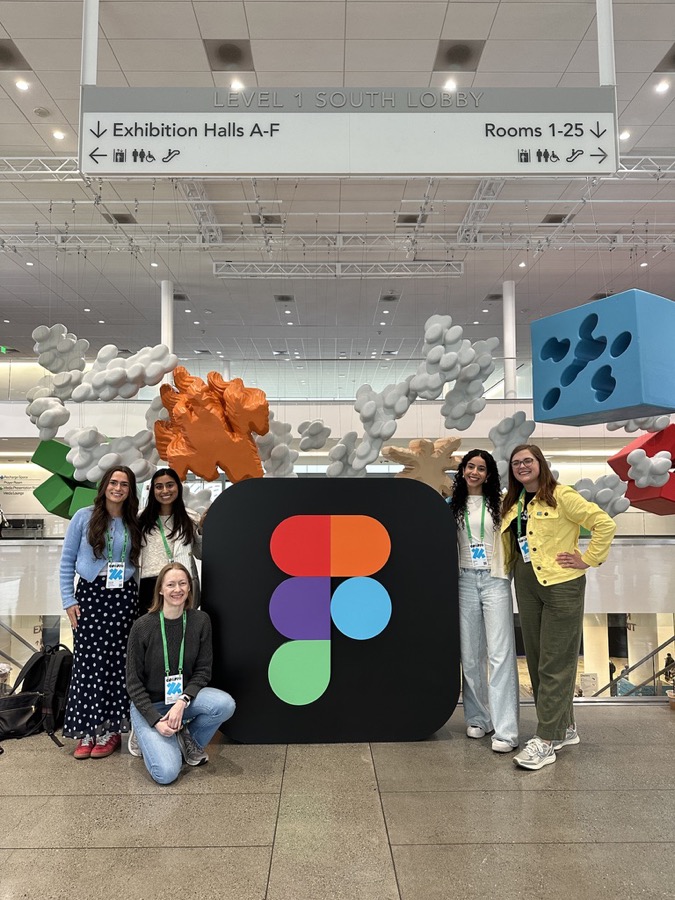
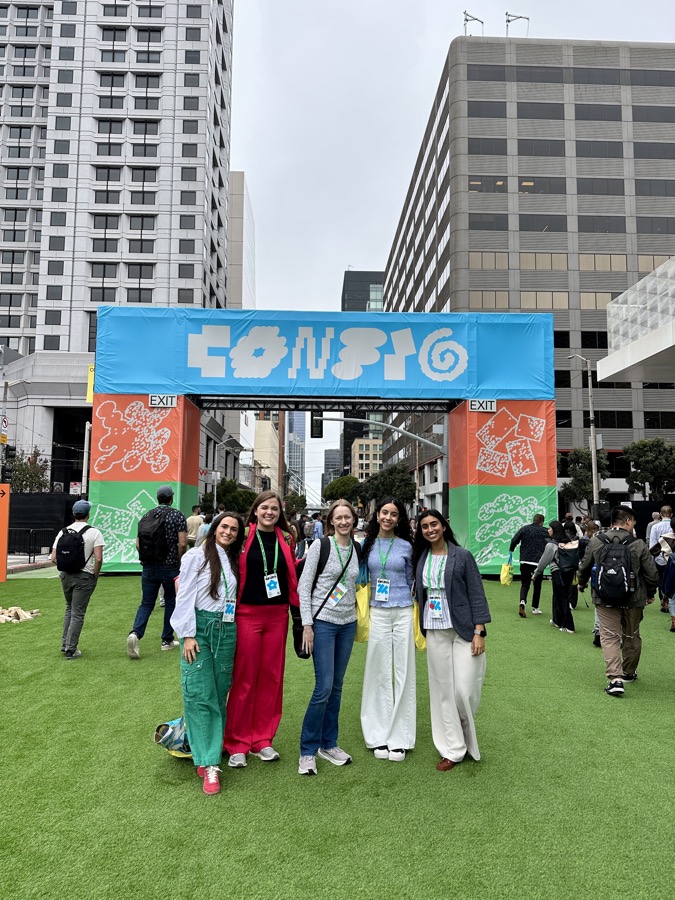
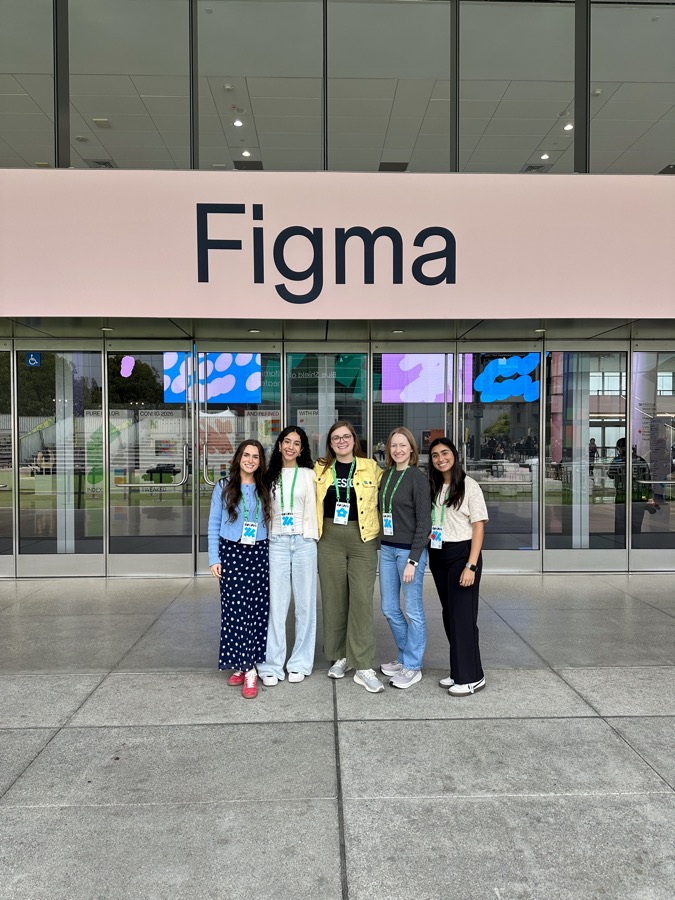
A few highlights from the week

Straight from the keynote
Turn any design layer into an interactive code layer with one click. Clone live GitHub repos, work with real React code, and sync changes back to production.

A native animation timeline built into Figma Design — keyframes, presets, easing, and spring animations that travel across screens like components.

AI-generated, parameterized shaders you can create by describing an effect or referencing an image — stackable and convertible to code.

Build custom tools by describing their behavior — no plugin API or dev environment needed.

Node-based generative workflows, now publishable and reusable as canvas tools.

Packages workflows into reusable "skills," connects to Notion/Slack/GitHub/Atlassian, and is expanding to FigJam and Slides.
Initial reactions after the keynote

The biggest thing I love is everything on canvas, because collaboration is key for Figma right now.


One thing I'm particularly excited about is we don't have to go outside of Figma to use Figma Weave. This will be a much more efficient way to go through creative workflows and just build on top of it.
